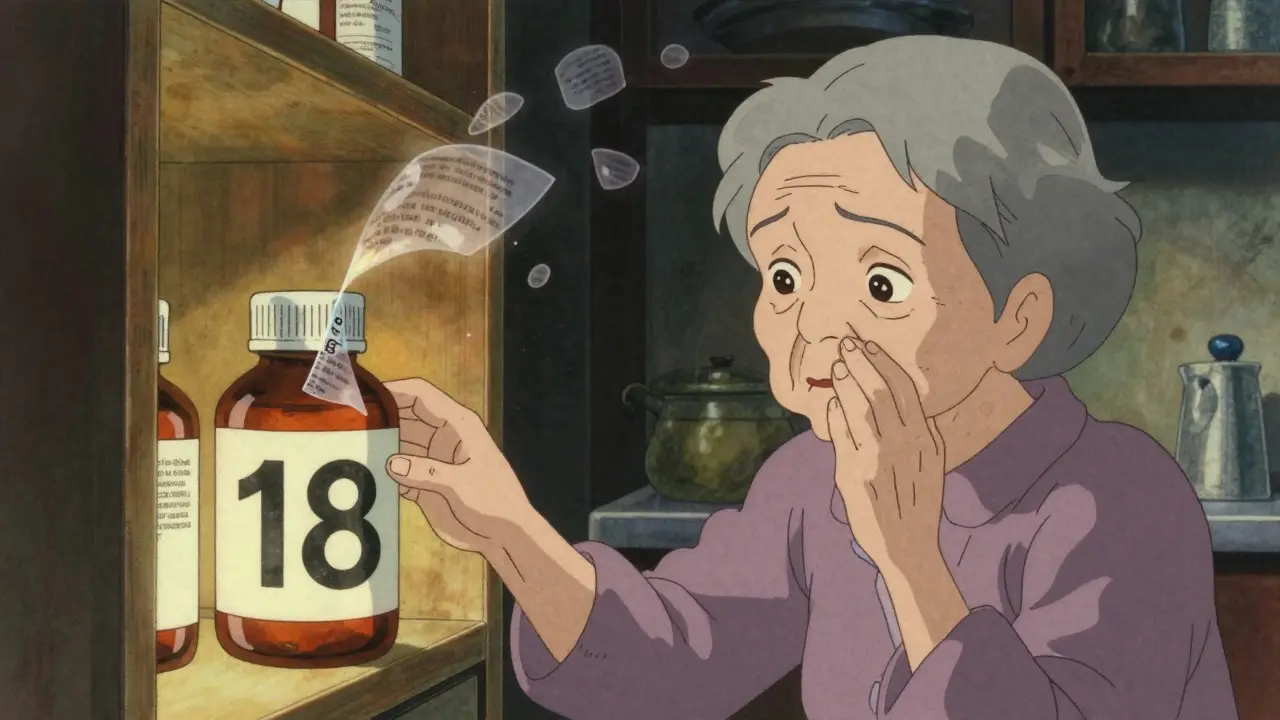
Imagine opening your medicine cabinet and not being able to read what’s inside. Not just blurry text-actual words that vanish under the glare of the light, letters that blur together, instructions that disappear before you can make sense of them. For over 8 million Americans over 65 with low vision, this isn’t a hypothetical. It’s daily life. And it’s dangerous.
Why Accessible Prescription Labels Matter
Taking the wrong pill at the wrong time can lead to hospital visits, dangerous side effects, or even death. A study from the National Center for Biotechnology Information found that people with low vision take the wrong medication, dose, or timing up to three times a week when labels aren’t readable. That’s not a small risk. It’s life-threatening. The FDA’s 2012 Safety and Innovation Act made it clear: pharmacies must make prescription labels accessible. This isn’t optional. It’s the law. And the reason is simple-people with low vision shouldn’t have to rely on family members, neighbors, or pharmacists just to know what’s in their bottle.What Counts as a Large Print Label?
Large print doesn’t mean “a little bigger.” It means 18-point font or larger. That’s the minimum standard set by the American Foundation for the Blind (AFB) and backed by research. Most standard pharmacy labels use 8- to 10-point font. At that size, even people with mild vision loss struggle. At 18-point, most users can read instructions without magnifiers. The font matters too. Sans-serif fonts like Arial, Verdana, or APHont™ (a free font designed for low vision) work best. They’re clean, with no extra lines or curves that make letters confusing. Avoid serif fonts like Times New Roman-they look neat on paper, but they’re hard to read when your vision is fading. Contrast is just as important. Black text on a white background is the gold standard. Avoid yellow on white, gray on beige, or any color combo that doesn’t pop. Glare is the enemy. Labels should be printed on non-glare material, not glossy plastic that reflects overhead lights.How Labels Are Made: Duplicate Labels Are the Answer
Here’s the catch: a standard prescription label is too small to fit all the info in 18-point font. That’s why pharmacies use duplicate labels. The original label stays on the bottle. A second, larger label is stuck on the side or back. It includes everything: drug name, dosage, instructions, expiration date, pharmacy info, and warnings. Some pharmacies use color-coded stickers to highlight key info-like a yellow strip for “take with food” or red for “may cause drowsiness.” This helps people with low vision spot critical warnings faster. One study showed users found these highlighted instructions 40% quicker than plain text.Beyond Print: Audible and Digital Labels
Not everyone can read large print-even 18-point. That’s where audible labels come in. ScripTalk is the most widely used system. It uses a small RFID tag attached to the bottle. When you tap it with a handheld reader or smartphone app, it speaks the full label aloud. You hear the drug name, dosage, how often to take it, and even warnings like “avoid alcohol.” CVS, Walgreens, and Walmart offer this for free. The device costs about $150, but most pharmacies loan them out at no charge. Then there’s QR code labels. UK HealthCare’s ScriptView system lets you scan a code with your phone. It plays an audio recording of your prescription info. Some systems even let you download the audio to your phone so you don’t need internet access later. Braille labels exist too-but only about 10% of people with low vision read Braille. So while useful for some, it’s not a universal solution.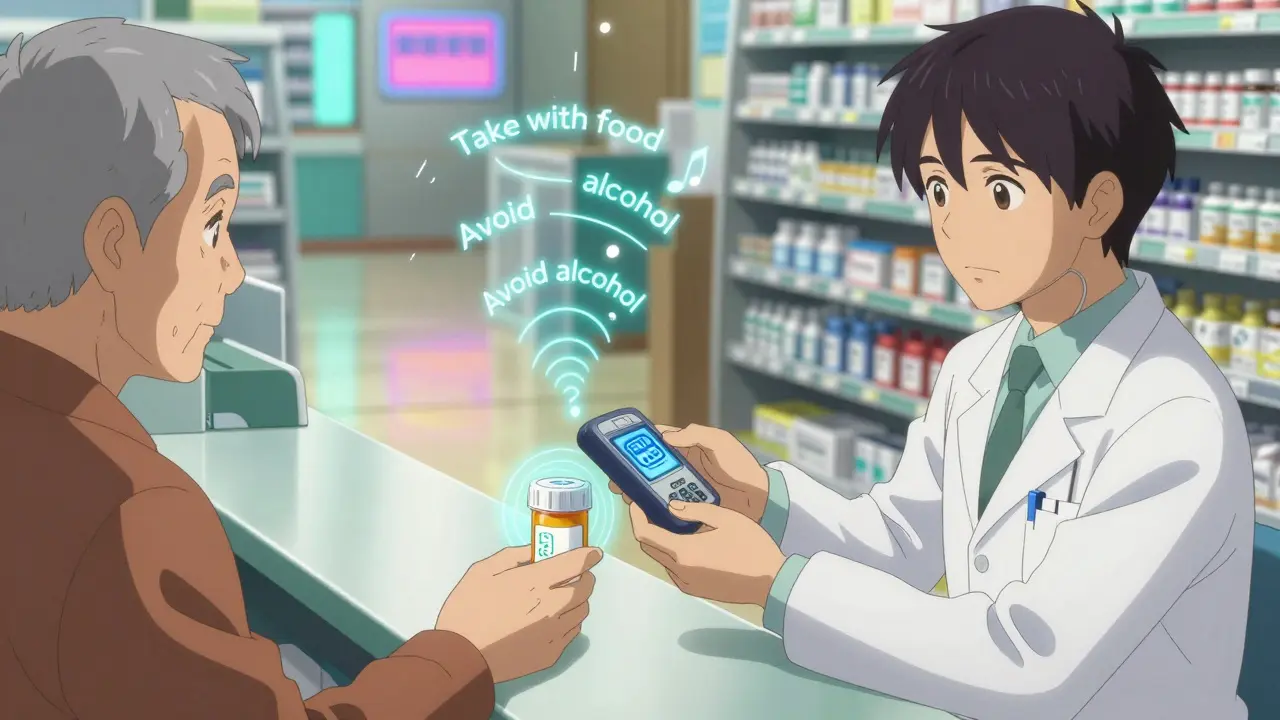
What You Should Ask Your Pharmacist
Don’t wait for them to offer it. Ask. Here’s what to say:- “Do you offer large print labels in 18-point font or larger?”
- “Can I get a duplicate label with high contrast and no glare?”
- “Do you have ScripTalk or a similar audible label system?”
- “Can I get a QR code label that plays audio when I scan it?”
- “Can you show me how to use the reader or app?”
What If Your Pharmacy Doesn’t Offer It?
If your local pharmacy says no, ask why. If they say “we don’t have the equipment,” ask if they can order it. Most major chains have systems ready to deploy. Independent pharmacies may need more time-but they’re required by law to accommodate you. You can also file a complaint. The Department of Justice says refusing accessible labels violates the Americans with Disabilities Act. In 2022, three pharmacies paid over $450,000 in settlements for failing to provide them. You’re not asking for a favor. You’re claiming a right.Real Stories: How This Changed Lives
One 78-year-old woman in Kentucky had been mismanaging her diabetes for years. She couldn’t read the labels on her insulin. She’d take the wrong dose. She ended up in the ER twice in six months. After switching to a large print label with a QR code that played audio instructions, her hypoglycemic episodes dropped by 75%. She now manages her meds alone. A Reddit user named VisionLiberation wrote: “Since my pharmacy started offering 18-point Arial labels, I stopped taking the wrong pills twice a week. It’s literally life-changing.” These aren’t rare cases. The American Council of the Blind found that 82% of users improved medication adherence after getting accessible labels. And 67% had experienced a medication error before.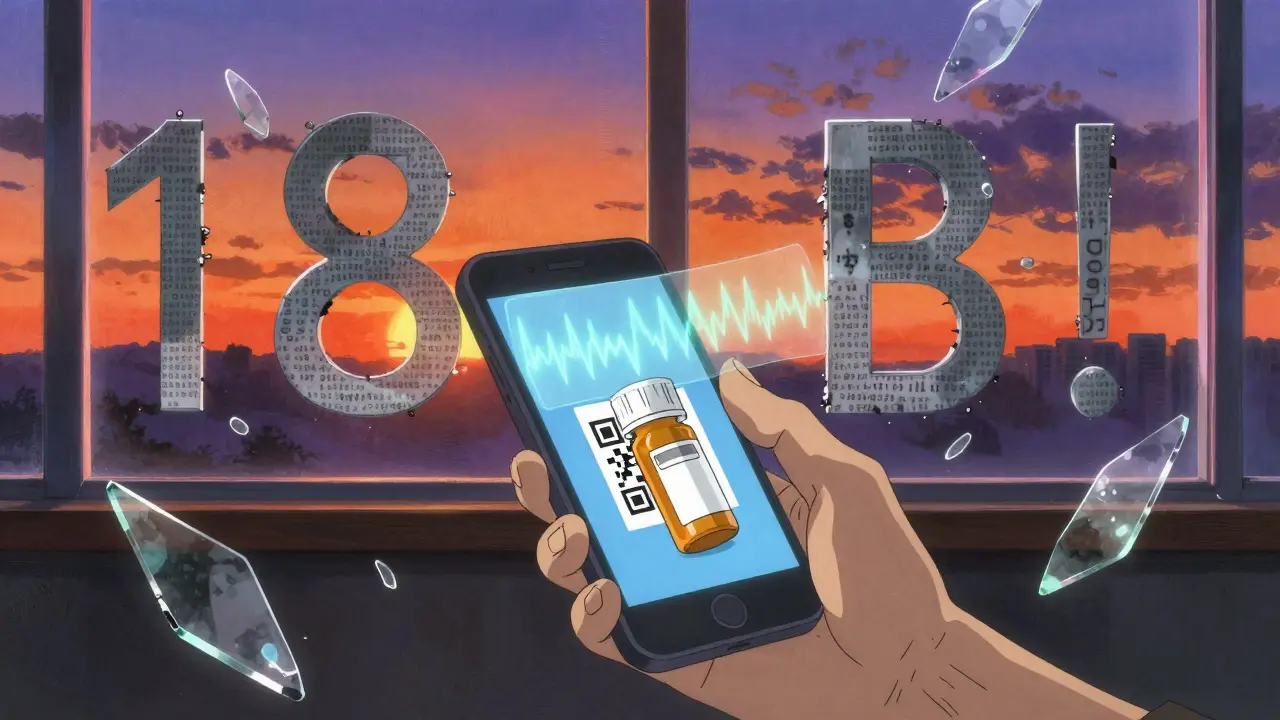
What’s Changing in 2026?
By the end of 2024, CVS plans to have ScripTalk in all 9,900 of its U.S. locations. Walgreens and Walmart are close behind. The FDA is pushing for digital labels too-meaning your e-prescription portal will need to offer large print and audio options by 2026. New tech is coming fast. Be My Eyes, an app that connects you to volunteers who can read labels over video call, now processes over 1.2 million label reads per month. AI tools are being trained to describe labels in real time using smartphone cameras. The goal isn’t just accessibility. It’s independence.What to Do Today
1. Check your current labels. Can you read them without squinting or using a magnifier? If not, you need a better option. 2. Call your pharmacy. Ask for large print (18-point), high contrast, non-glare labels. Ask if they offer ScripTalk or QR code audio labels. 3. Request a duplicate label. If they say no, ask to speak to the pharmacist-in-charge. They’re the ones who control label printing. 4. Keep a backup. Take a photo of your label with your phone. Use the built-in magnifier or voiceover feature to read it later. 5. Advocate. Tell friends, family, and support groups. The more people ask, the more pharmacies will make this standard.Final Thought: This Isn’t About Convenience
Accessible labels aren’t a luxury. They’re a medical necessity. For people with low vision, reading a prescription label isn’t about comfort-it’s about survival. Every year, thousands end up in emergency rooms because they couldn’t read what was on their bottle. That’s preventable. You don’t need to be an expert. You don’t need to fight a bureaucracy. Just ask. And if they say no, ask again. Your life is worth the effort.Are large print prescription labels free?
Yes. All major U.S. pharmacy chains-including CVS, Walgreens, and Walmart-offer large print, audible, and QR code labels at no extra cost. This is required under federal law, and pharmacies cannot charge for these accommodations.
What if my pharmacy doesn’t know about accessible labels?
Many pharmacy staff aren’t trained on accessibility options. Politely ask to speak with the pharmacist-in-charge. If they still don’t help, ask for a printed copy of the FDA’s accessibility guidelines or mention that failing to provide them violates the Americans with Disabilities Act. Most pharmacies will act quickly once they understand the legal requirement.
Can I get these labels for over-the-counter meds too?
Pharmacies are only legally required to make prescription labels accessible. However, some chains like CVS and Walgreens will provide large print labels for common OTC medications like pain relievers or allergy pills if you ask. It’s not guaranteed, but many will do it as a courtesy.
Do I need a special device to use ScripTalk?
You need a ScripTalk reader, which is a small handheld device or a smartphone app. Most pharmacies loan the reader for free. You can also use the free ScripTalk app on iOS or Android. No subscription or monthly fee is required.
Are these labels available in other countries?
Yes. The UK has ScriptAbility, Canada has ScripTalk, and Australia is expanding similar services through major pharmacy chains. While laws vary, the global trend is toward accessibility. In Australia, pharmacies like Chemist Warehouse and Priceline now offer large print and audio labels upon request.
Can I use my phone’s accessibility features to read labels?
Absolutely. Both iPhone and Android have built-in screen readers (VoiceOver and TalkBack) and magnifiers. Point your camera at the label, use the magnifier to zoom in, or activate the screen reader to hear the text. For better results, take a photo of the label and use apps like Be My Eyes to connect with a volunteer who can read it aloud in real time.
How do I know if my label is compliant with FDA standards?
A compliant label includes: 18-point or larger font, sans-serif typeface (like Arial), black text on white background, no glare, and all essential information (drug name, dosage, instructions, expiration, pharmacy details). If it’s missing any of these, ask for a corrected version. The Access Board’s guidelines are the official standard.
TooAfraid ToSay
January 14, 2026 AT 14:42So now we’re forcing pharmacies to make labels for people who can’t read? Next they’ll make food taste better for people who don’t like broccoli. This isn’t accessibility, it’s coddling. People used to manage with magnifiers and help from neighbors. Now we need apps and RFID tags just to take aspirin? Give me a break.
Susie Deer
January 16, 2026 AT 04:25These labels are free and required by law. If your pharmacy doesn’t give them to you you’re either lazy or racist against old people. End of story.
Dylan Livingston
January 16, 2026 AT 05:18Oh wow. Another feel-good article about how the government is finally doing the bare minimum for disabled people. How noble. How progressive. How utterly, breathtakingly late. We’ve known since the 90s that 8-point font is a death sentence for seniors. We’ve had the tech since 2005. But no, let’s wait until someone dies in an ER because they took lithium instead of lithium carbonate. Then we write a 2000-word guide like it’s some groundbreaking revelation. The real tragedy isn’t the blurry labels-it’s that we treat accessibility like a charity, not a right. And the fact that you need to *ask* for it like you’re begging for a cup of coffee at Starbucks? That’s the real horror story.
Andrew Freeman
January 16, 2026 AT 14:0418 point font? Lmao. I got a label last week and it was so big the pharmacist had to use a second sticker just to fit the warnings. My bottle looked like a graffiti wall. Also why do they always use arial? My grandma says it looks like a robot wrote it. Give me times new roman any day. At least then i can squint and feel like im reading a book.
Sarah -Jane Vincent
January 17, 2026 AT 07:40They’re not just hiding the tech-they’re hiding the truth. ScripTalk and QR codes? Those are just the tip. The real agenda? The FDA is pushing this so they can track every pill you take. RFID tags = data collection. Every time you tap your bottle, they log it. Your meds. Your time. Your habits. They’re building a health surveillance network under the guise of ‘accessibility.’ And don’t think they won’t sell that data to insurers. I’ve seen the memos. This isn’t about helping seniors. It’s about control.
Anna Hunger
January 17, 2026 AT 21:17It is imperative that all individuals with low vision are afforded equitable access to pharmaceutical information, as this constitutes a fundamental component of health equity and patient safety. The implementation of standardized, large-print, high-contrast, and audio-enabled labeling systems is not merely a recommendation-it is an ethical and legal obligation under Title III of the Americans with Disabilities Act. Pharmacies that fail to comply are not merely negligent; they are complicit in the endangerment of vulnerable populations. I urge all readers to document instances of noncompliance and report them to the Department of Justice’s Civil Rights Division, as well as to the American Foundation for the Blind, which maintains a comprehensive compliance tracking portal.
Jason Yan
January 19, 2026 AT 10:39You know, I used to think accessibility was about making things easier. But after reading this, I realize it’s about making things possible. I’ve got an uncle who’s been blind since his 60s. He used to rely on his neighbor to read his pills. One time, the neighbor was on vacation, and he took his blood pressure med twice because he couldn’t tell the difference between the blue and green capsules. He ended up in the hospital. Since then, he’s got a ScripTalk reader. Now he takes his meds alone. He says it’s the first time in 15 years he’s felt like he’s not a burden. That’s not a feature. That’s a human right. And the fact that we still have to beg for it? That’s the part that breaks my heart.
shiv singh
January 21, 2026 AT 04:33People like you think this is about medicine. It’s not. It’s about control. Why do you think they only offer this in big chains? Small pharmacies? They’re being crushed. The government wants you dependent on corporate systems. QR codes need internet. RFID needs devices. What happens when the power goes out? When the app crashes? When the volunteer on Be My Eyes doesn’t answer? You think you’re safe? You’re just one system failure away from disaster. And they know it. They’re not helping you. They’re replacing family with technology so you’ll never question the system again.